Overview
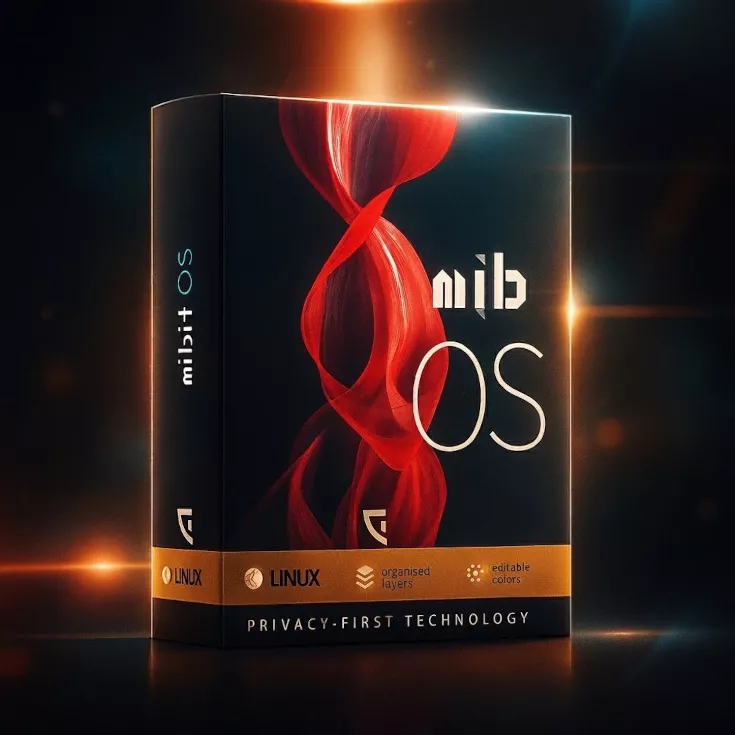
Mib OS, developed by MiBit in Dubai, is a Linux distribution engineered for security, privacy, and usability, seamlessly integrated with MiBit’s tamper-resistant hardware. Below, we compare Mib OS to Ubuntu, Debian, Fedora, Kali Linux, and Qubes OS across key dimensions to highlight its unique strengths.
Security
Mib OS: Features a hardened kernel, Mandatory Access Controls (MAC), encrypted file systems, real-time threat detection, and regular security patches. Optimized for MiBit’s secure hardware, ensuring robust protection against vulnerabilities.
Ubuntu: Utilizes AppArmor, supports optional encryption, and provides regular updates. Security is solid but not as hardened as specialized distros.
Debian: Offers stability with SELinux support, but advanced security requires manual configuration.
Fedora: Employs SELinux by default and frequent updates, but focuses less on extreme hardening.
Kali Linux: Designed for offensive security (penetration testing), not general-purpose defense, making it unsuitable for daily secure computing.
Qubes OS: Uses a Xen-based hypervisor for compartmentalized security, offering top-tier protection but with complexity.
Graphic Placement: Icon: A shield icon next to “Security” to symbolize protection. Description: A simple shield with a lock in the center, colored in blue and gold to reflect Mib OS’s Dubai-based branding.
Why Mib OS Stands Out: Mib OS provides out-of-the-box security tailored for daily use, unlike Kali’s niche focus or Qubes’ complexity. Its integration with MiBit hardware enhances protection beyond what Ubuntu, Debian, or Fedora offer.
Privacy
Mib OS: Embraces a non-spy philosophy with no telemetry, built-in anonymous browsing, VPN support, and encrypted communication tools, ensuring user data remains private.
Ubuntu: Includes optional telemetry (opt-out), and cloud integration raises privacy concerns for some users.
Debian: Minimal telemetry, privacy-respecting, but lacks built-in anonymization tools.
Fedora: Minimal telemetry, privacy-focused, but lacks advanced anonymization features.
Kali Linux: Not designed for privacy; its focus on penetration testing prioritizes tools over user data protection.
Qubes OS: Offers strong privacy through isolation and Tor integration, but its complexity limits accessibility.
Graphic Placement: Icon: A padlock with a privacy symbol (eye with a slash) next to “Privacy.” Description: A sleek padlock in black and gold, symbolizing Mib OS’s commitment to privacy, with a subtle Dubai skyline in the background.
Why Mib OS Stands Out: Mib OS’s zero-telemetry approach and built-in privacy tools surpass Ubuntu and Fedora’s offerings, while being more user-friendly than Qubes OS. Kali Linux is irrelevant for privacy-focused daily use.
Usability
Mib OS: Features a sleek, customizable, and intuitive interface, a curated app repository, and optimization for daily tasks, making it accessible to both novices and professionals.
Ubuntu: Highly polished, beginner-friendly, with extensive software support and an intuitive UI.
Debian: Stable but less approachable, requiring technical knowledge for setup and customization.
Fedora: Modern UI, developer-friendly, but frequent updates can disrupt workflows.
Kali Linux: Specialized for security researchers, not user-friendly for daily tasks.
Qubes OS: Steep learning curve due to its compartmentalized design, not ideal for casual users.
Graphic Placement: Chart: A bar chart comparing usability scores (1-10) for each distro. Description: Mib OS and Ubuntu score high (8/10), Debian and Fedora at 6/10, Kali at 3/10, and Qubes at 4/10. The chart uses blue for Mib OS and grey for others, with a clean, minimalist design.
Why Mib OS Stands Out: Mib OS matches Ubuntu’s usability while prioritizing security and privacy, outperforming Debian and Fedora for non-technical users and avoiding the niche complexity of Kali and Qubes.
Unique Features
Mib OS: Non-spy technology, open-source transparency, community-driven development, and integration with MiBit’s secure hardware for a cohesive ecosystem.
Ubuntu: Broad hardware compatibility, large community, and extensive software ecosystem.
Debian: Extreme stability, vast package repository, highly customizable.
Fedora: Cutting-edge software, strong Red Hat backing, developer-focused.
Kali Linux: Comprehensive penetration testing tools, not for general use.
Qubes OS: Security-by-isolation, domain-based separation, advanced privacy controls.
Graphic Placement: Icon: A gear with a Dubai-inspired crescent moon next to “Unique Features.” Description: A gold gear with a crescent moon overlay, symbolizing innovation and MiBit’s Dubai roots.
Why Mib OS Stands Out: Mib OS’s hardware integration and non-spy focus are unique, setting it apart from Ubuntu’s general-purpose approach, Debian’s stability focus, Fedora’s developer orientation, Kali’s niche tools, and Qubes’ complex isolation model.
Hardware Integration
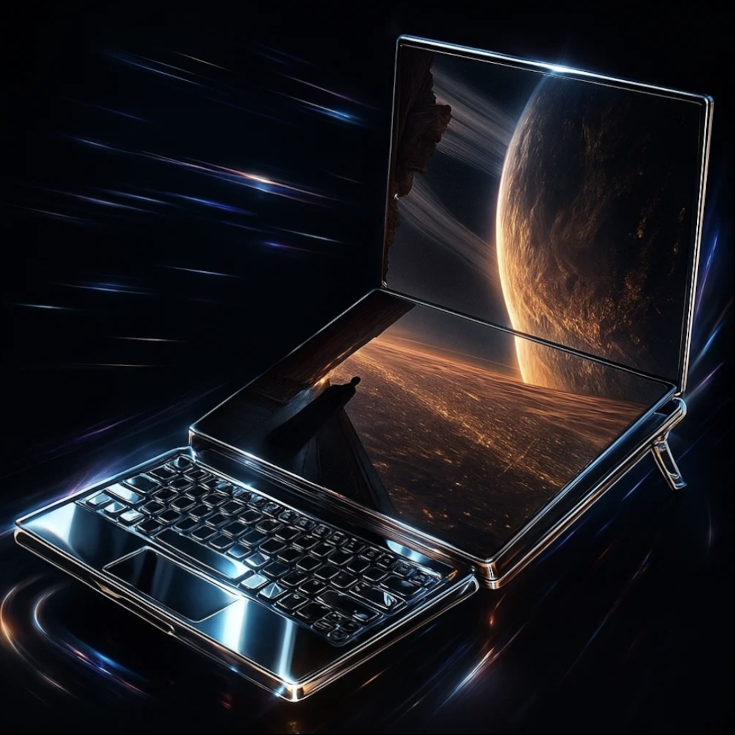
Mib OS: Optimized for MiBit’s tamper-resistant hardware, creating a secure, high-performance ecosystem.
Ubuntu: Broad hardware compatibility, not tied to specific hardware.
Debian: Wide hardware support, no proprietary hardware focus.
Fedora: Works on most hardware, no specific hardware integration.
Kali Linux: No hardware-specific integration, tool-focused.
Qubes OS: Requires powerful hardware for virtualization, no specific hardware ecosystem.
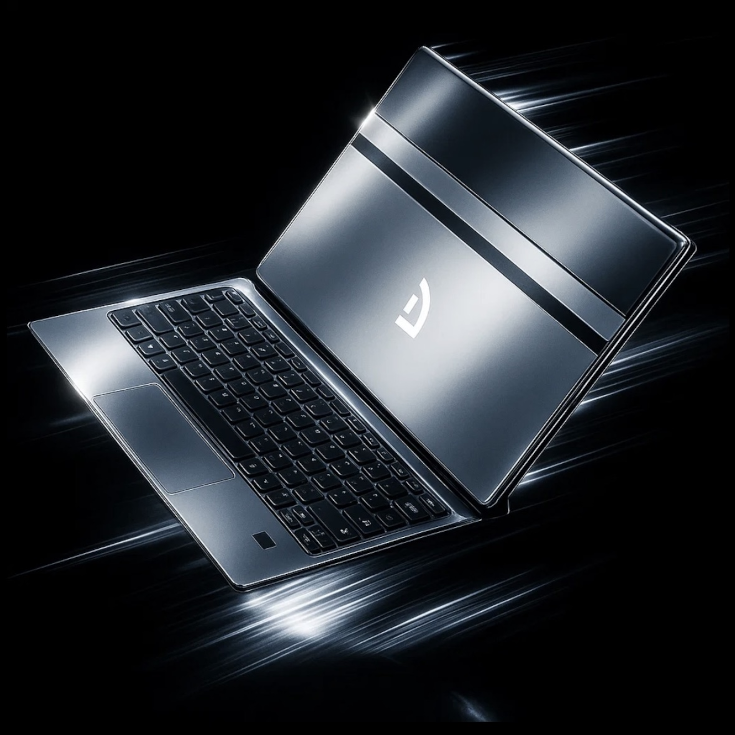
Graphic Placement: Icon: A laptop with a secure chip next to “Hardware Integration.” Description: A stylized laptop with a glowing chip, colored in blue and gold, representing Mib OS’s hardware synergy.
Why Mib OS Stands Out: Mib OS’s integration with MiBit’s secure hardware is unmatched, providing a cohesive solution that no other distro in this comparison offers.
Target Audience
Mib OS: Privacy-conscious users, businesses, and individuals seeking secure daily computing. Ubuntu: General users, beginners, enterprises, developers. Debian: Advanced users, servers, stability-focused users. Fedora: Developers, early adopters, enterprise users. Kali Linux: Security professionals, ethical hackers. Qubes OS: Privacy and security enthusiasts, advanced users.
Graphic Placement: Chart: A pie chart showing target audience distribution. Description: Mib OS and Ubuntu target broader audiences (40% each), Debian and Fedora 10% each, Kali and Qubes 5% each. Blue and gold for Mib OS, grey for others.
Why Mib OS Stands Out: Mib OS appeals to a wide audience like Ubuntu but with a stronger privacy and security focus, making it more versatile than the niche Kali or Qubes.
Based In
Mib OS: Dubai, global privacy and security vision. Ubuntu: UK (Canonical), global community. Debian: Global, community-driven. Fedora: US (Red Hat), global community. Kali Linux: US (Offensive Security), global community. Qubes OS: Global, community-driven with Polish origins.
Graphic Placement: Icon: A globe with a Dubai skyline silhouette next to “Based In.” Description: A globe with a subtle Dubai skyline outline, emphasizing MiBit’s regional identity and global reach.
Why Mib OS Stands Out: Mib OS’s Dubai-based innovation aligns with global privacy demands, offering a unique perspective compared to the US/UK or community-driven origins of others.
Summary: Why Mib OS is Special
Mib OS stands out for its:
-
Non-Spy Philosophy: Zero telemetry and built-in privacy tools surpass Ubuntu and Fedora, while being more accessible than Qubes OS.
-
Balanced Security and Usability: Out-of-the-box hardening and a user-friendly interface make it ideal for daily use, unlike Kali’s niche focus or Qubes’ complexity.
-
MiBit Hardware Integration: A cohesive ecosystem with tamper-resistant hardware sets it apart from all competitors.
-
Dubai-Based Innovation: Reflects a global vision for privacy and security, appealing to diverse users.

 ALPHASHIELD


 Support & AI
